Work across database engines
Source adapters cover PostgreSQL, MySQL, SQLite and Redis; available drivers are checked on the workstation.
 / apps
Develop & connect · 2TInteractive
 2TI Native DB Studio
Connect to your own databases, inspect their structure and work through queries in a focused desktop workbench. Choose the engine and connection that belong to your project.
curl -LO https://2tinteractive.com/apps/releases/2ti-db-studio_0.2.1_amd64.deb && sudo dpkg -i 2ti-db-studio_0.2.1_amd64.deb
What you can work with
Available capabilities
Source adapters cover PostgreSQL, MySQL, SQLite and Redis; available drivers are checked on the workstation.
Read schema and connection details before running queries against a selected database.
Run supported queries through the native database bridge and inspect returned results.
Connection and client availability states help distinguish a missing driver from a database problem.
Inside 2TI Native DB Studio
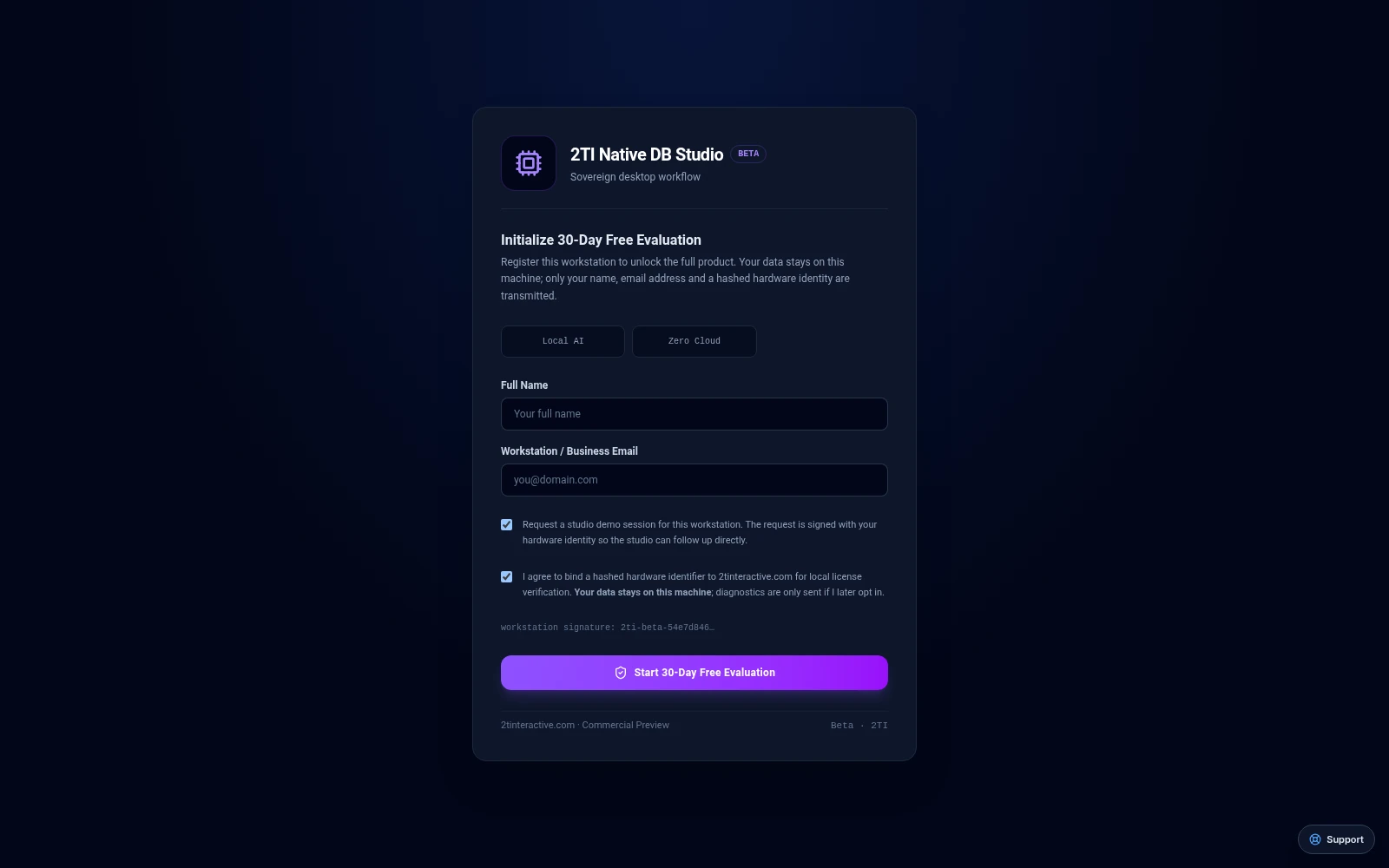
Current browser build at its evaluation setup screen. The workspace remains behind activation; no licensed session or native connection is shown.

SQL editor and result-table interface preview.

Schema diagram interface preview.

Query-plan interface preview; example results are not a performance benchmark.
From the first task to your daily routine
Each app has its own job. Connections add scope when they are configured for your workflow.
Use DB Studio to inspect the storage behind an API Architect request, then bring findings into SovereignAI while implementing the change. This is a coordinated workflow, not automatic synchronization.
A product pairing describes a workflow. Automatic data exchange requires an implemented, configured connection.
Read the guide →Availability
Published and checksum verified
Active R&D / Pending native validation
Active R&D / Pending native validation
2TI Native DB Studio Linux beta (.deb, amd64) · v0.2.1
Published release artifact, checksum verified on download.
0a5b689b20cdcb342ef73c5d1625bb4298d363f30d6f396c825ec34e750556452TI Native DB Studio Linux beta (.deb, amd64) · v0.2.0
Published release artifact, checksum verified on download.
9fc216556449b5b474c89a4cc772ea1a7f35cd58e34f18a53f436c694c3aba362TI Native DB Studio Linux beta (.deb, amd64) · v0.2.1
Published release artifact, checksum verified on download.
0a5b689b20cdcb342ef73c5d1625bb4298d363f30d6f396c825ec34e75055645See the release notes for the operating-system requirements of a listed package.
Pricing
Commercial plans and prices are being prepared. No paid checkout is available here. Any evaluation terms are shown separately for the applicable release.
Manage your suite account →Start with confidence
Before you begin
Use DB Studio to inspect the storage behind an API Architect request, then bring findings into SovereignAI while implementing the change. This is a coordinated workflow, not automatic synchronization.
Database access needs the relevant server credentials and installed drivers. Destructive queries still require operator review.
Commercial plans and prices are being prepared. No paid checkout is available here. Any evaluation terms are shown separately for the applicable release.
Let’s get you started
Explore the setup guides, check the current release, or talk to us about fitting this workspace into your day.