/ apps

Purpose-built desktop tools · By 2TInteractive

Make room for your best work.

Find a focused workspace for the things you do every day: managing conversations, developing software, creating media or enjoying your music. Explore each app’s purpose, interface and current availability.

  • Focused desktop workspaces
  • Explore real interface previews
  • Release details on every app page

01 / The thinking behind the tools

Good tools earn their place in your day.

Our suite brings distinct workflows into focused desktop experiences. Explore what each app does today and where it is heading before deciding whether it fits your work.

Purpose

Start with the task.

A useful app makes a familiar job easier to approach. Each product has a defined focus, from managing conversations to exploring data or making media.

A closer look

See the workspace before you choose.

Explore interface previews, product guides and the current scope. Get a feel for the workflow before deciding whether to take the next step.

A clear next step

Know where each app stands.

Development status, supported platforms and release availability belong on the product page. Check those details for the version you plan to use.

02 / Find your workflow

Tools with a job to do.

Start with what you want to get done. Browse by workflow, take a look inside and check the product page for supported platforms and release details.

Develop & connect

High-performance workstations for AI agents, database inspection, API architecture, and local terminal intelligence.

2TI SovereignAI icon
Pilot · pack selectors pending live validation

2TI SovereignAI

Your end-to-end Development & GenAI Studio. Build and edit projects, talk with your chosen models, create images, video and music, and investigate compiled applications through integrated reverse-engineering tools. Keep the workflow together and choose the inference and generation backends that fit the job.

Availability checked per release

2TI ForgeTerm icon
Local test candidate

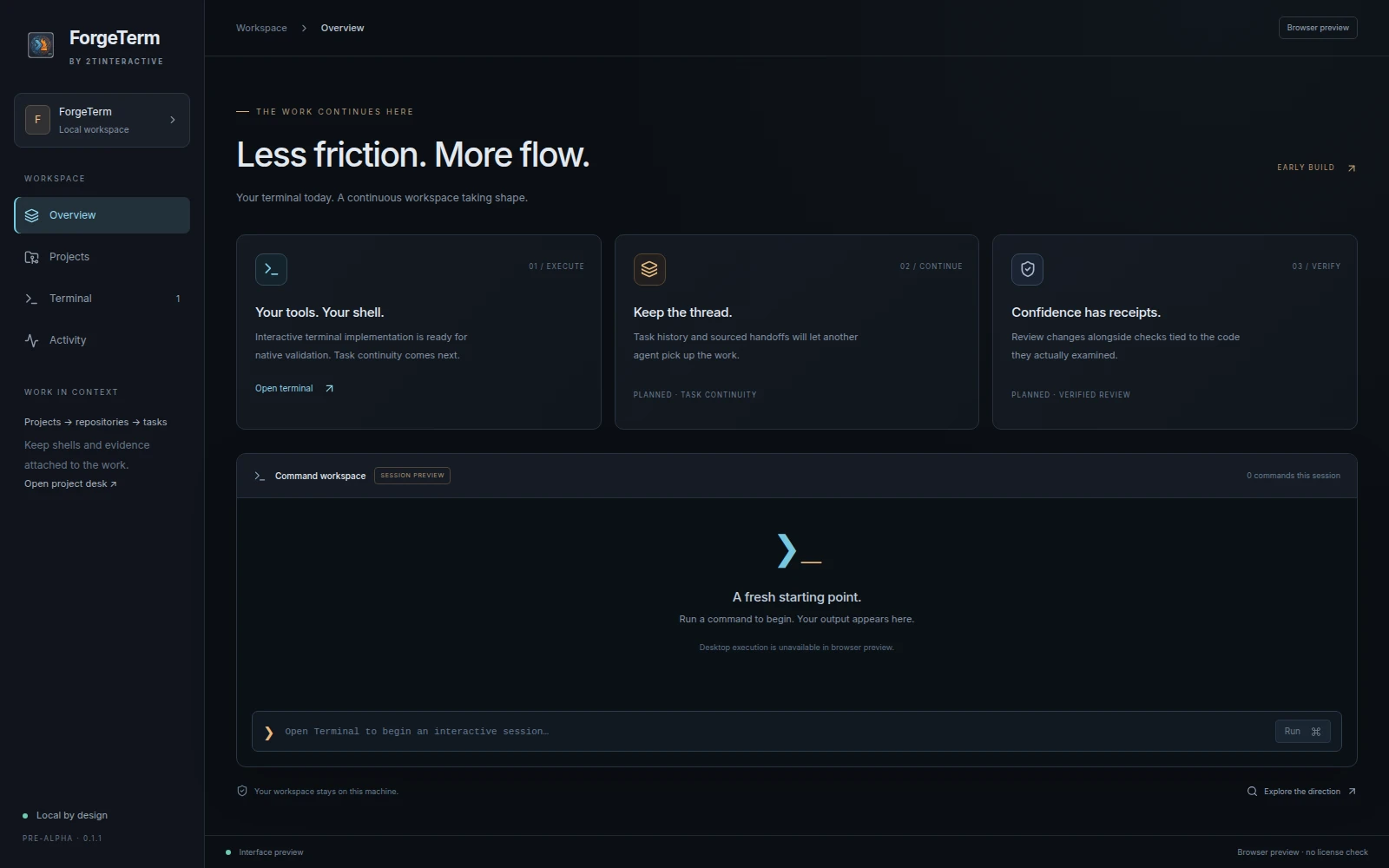
2TI ForgeTerm

Keep projects, repositories, tasks and interactive terminals in one development workspace. Record the context of a task so the next session starts with more than an empty prompt.

Targeting Linux · Windows and macOS. Native availability will be verified per release.

2TI Agentic OS Bar icon
Local test candidate

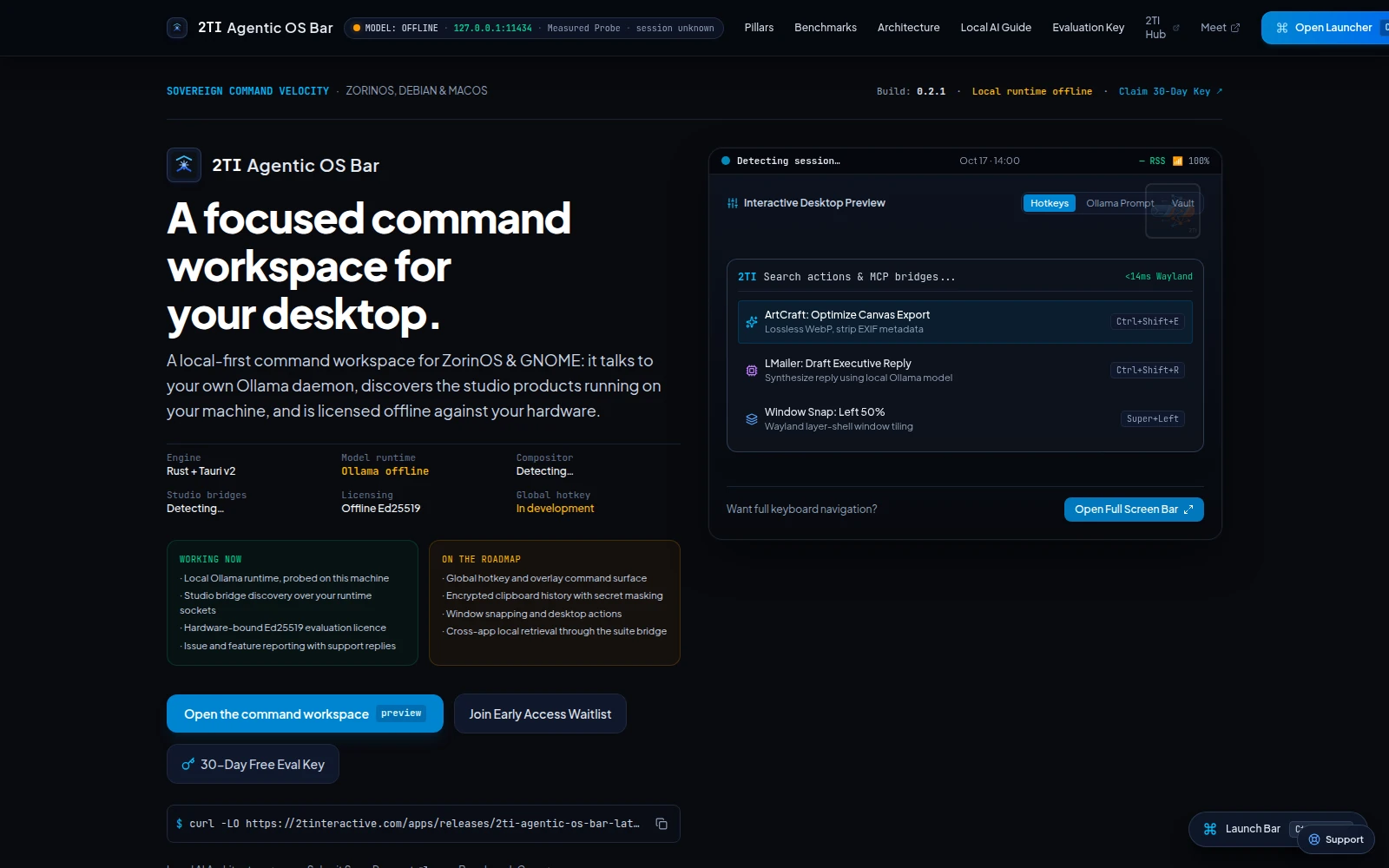
2TI Agentic OS Bar

A desktop command surface evolving into a shared runtime for planning, bounded code editing and project memory. Keep inference with a provider you choose, and make its tools available to connected suite workspaces.

Availability checked per release

Work & communicate

Focused tools for email, client communications, and operations management.

2TI LMailer icon
Local test candidate

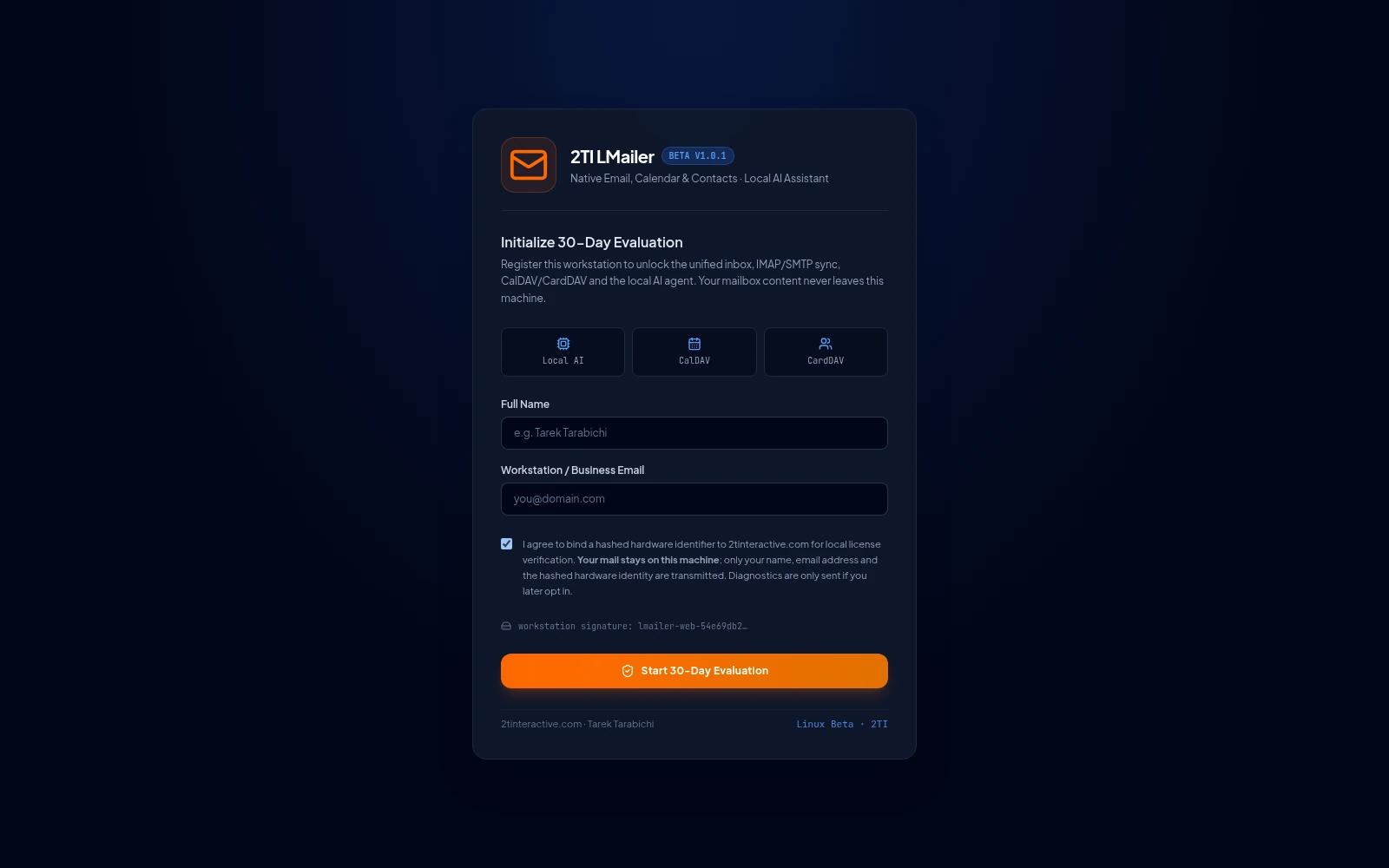
2TI LMailer

Bring email, calendar and contacts into a desktop workspace connected to accounts you choose. Read, organize and respond without moving your working day into another browser tab.

Availability checked per release

Music & Audio

Refined audio playback, local library curation, and focused coding soundtrack flow.

2TI Cresta icon
Local test candidate

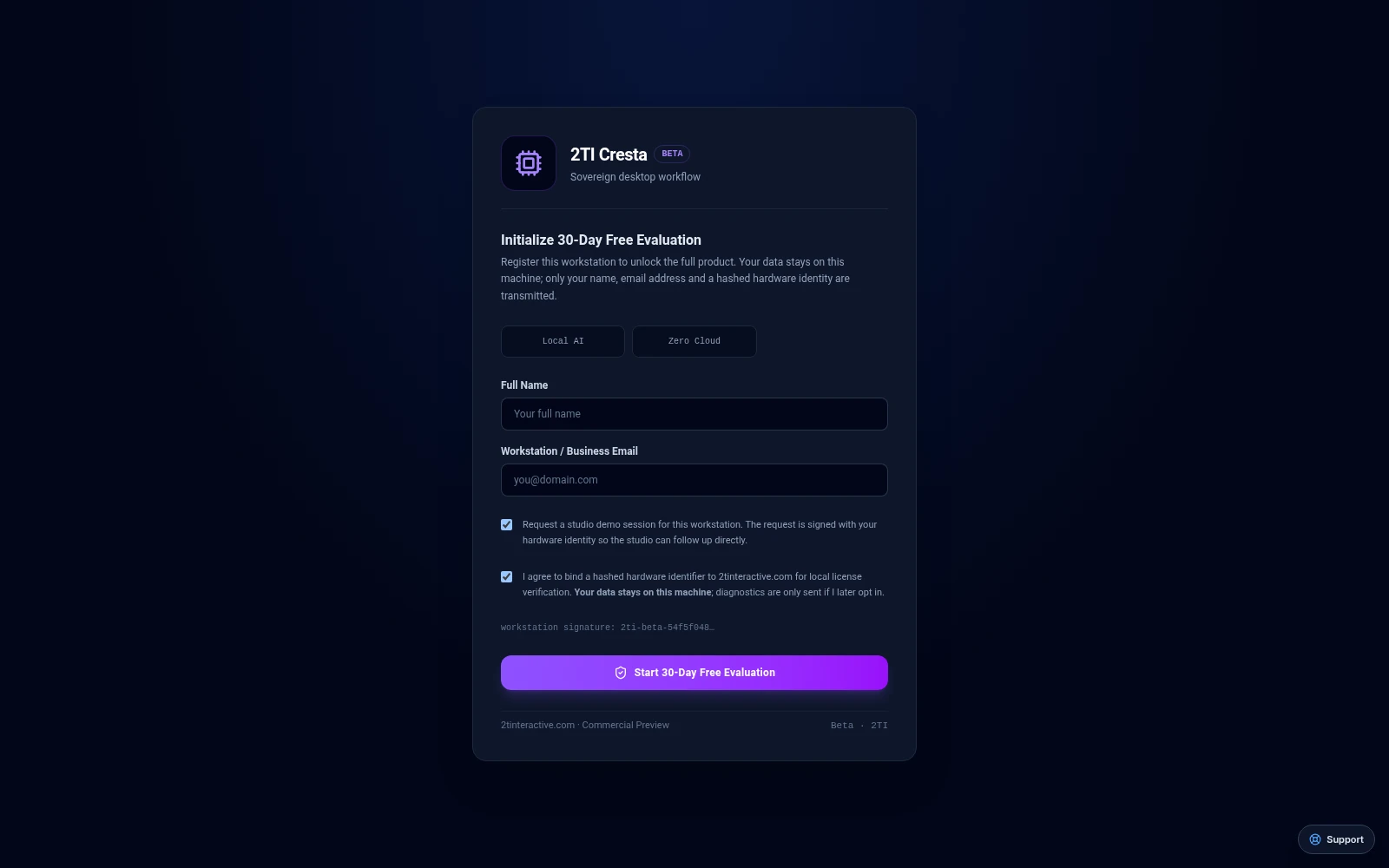
2TI Cresta

Browse and play a music collection with tools for metadata, artwork and careful library maintenance. Keep listening and organization in one desktop workspace.

Availability checked per release

Media & Broadcasting

Multi-channel broadcast automation, OTT distribution, and social publishing.

2TI PulseCast icon
Pilot · pack selectors pending live validation

2TI PulseCast

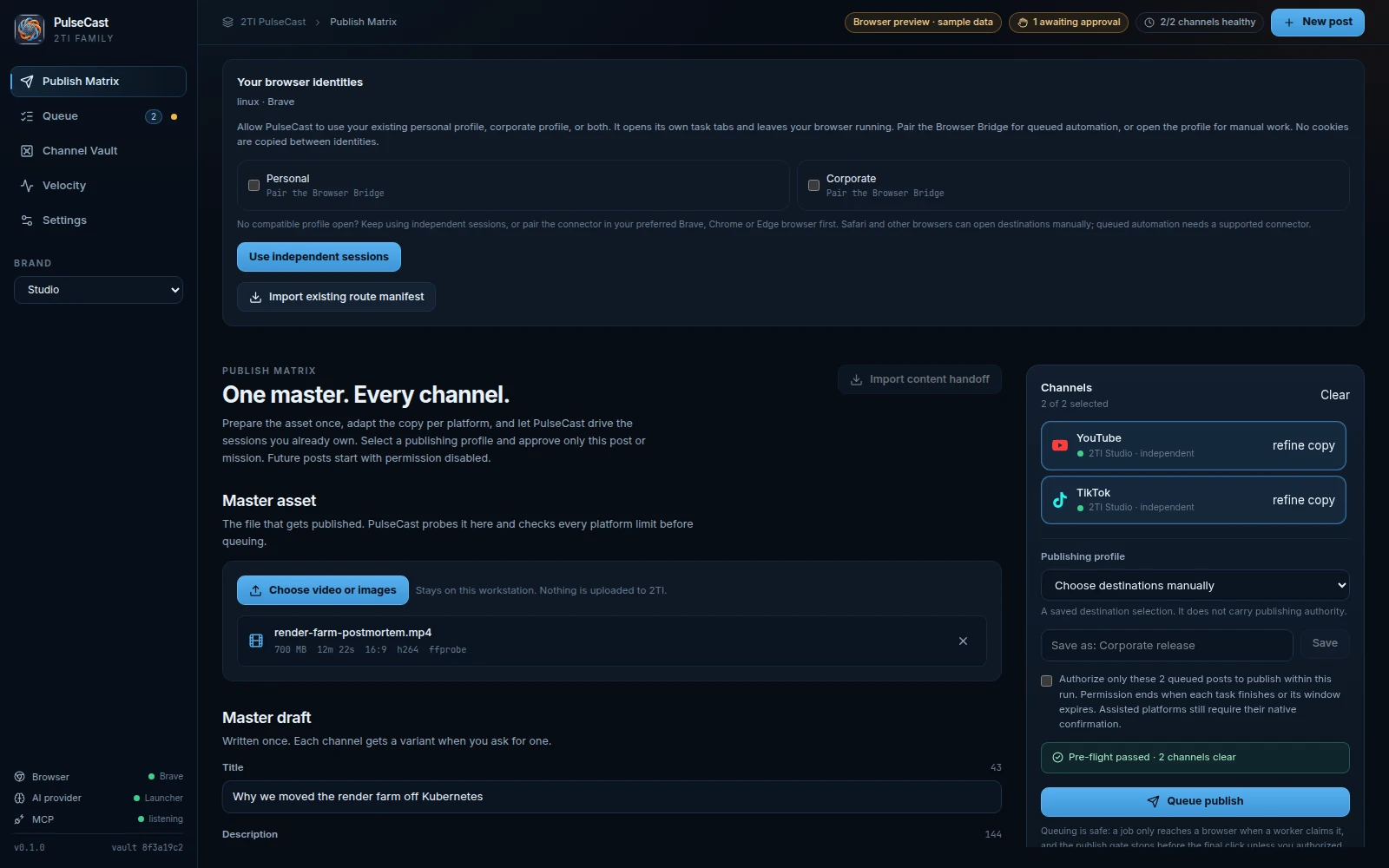
Prepare media, review channel targets and track the publishing workflow from a desktop surface. Channel access and delivery evidence belong to the operator and the configured platform adapters.

Linux (Debian) · macOS and Windows targets unbuilt

Suite infrastructure

System launcher and background runtime powering the unified local 2TI suite.

2TI Launcher icon
Local test candidate

2TI Launcher

Explore the 2TI app collection, review available packages and keep suite account access in one place. Start with a focused app and expand when another part of the workflow needs attention.

Availability checked per release

Tabletop & Heritage Gaming

Curated classic tabletop, card, and heritage games crafted for leisure and relaxed play.

03 / Global Pricing & Evaluation

Built for global teams. Clear licensing, zero lock-in.

Every desktop app ships globally in USD with hardware-bound evaluation through 2TI Launcher. Online payment gateway integration (card / PayPal) is currently being finalized — no automatic charges are taken on this site.

Tier 01 · Evaluation

$0 · 14–30 Days

Full local workstation evaluation installed and licensed directly via 2TI Launcher. Zero upfront card required.

Install via 2TI Launcher ↗

Tier 02 · Individual Pro

From $19/mo or $39 one-time

Per-app or suite workstation license for solo developers, creators, and analysts. Global USD billing via card / PayPal or direct invoice once checkout opens.

Manage seats & keys ↗

Tier 03 · Studio & Enterprise

Custom Scope (USD)

Multi-seat studio packs, private deployment, and custom IP handover tailored to your infrastructure worldwide.

Request a quote ↗

04 / Enterprise & Custom IP Handover

Need something shaped around your business?

Tell us about your workflow, the systems you already use and what needs to work better. We can discuss a scoped integration, deployment or custom project.

Request a pilot scope Your account, licenses & devices

03 / Where we are heading

Building toward a more useful workday.

These are the workflows guiding the next stage of the suite. Explore the direction here, then check each product page for its current scope and availability.

Database work Architecture & Spec

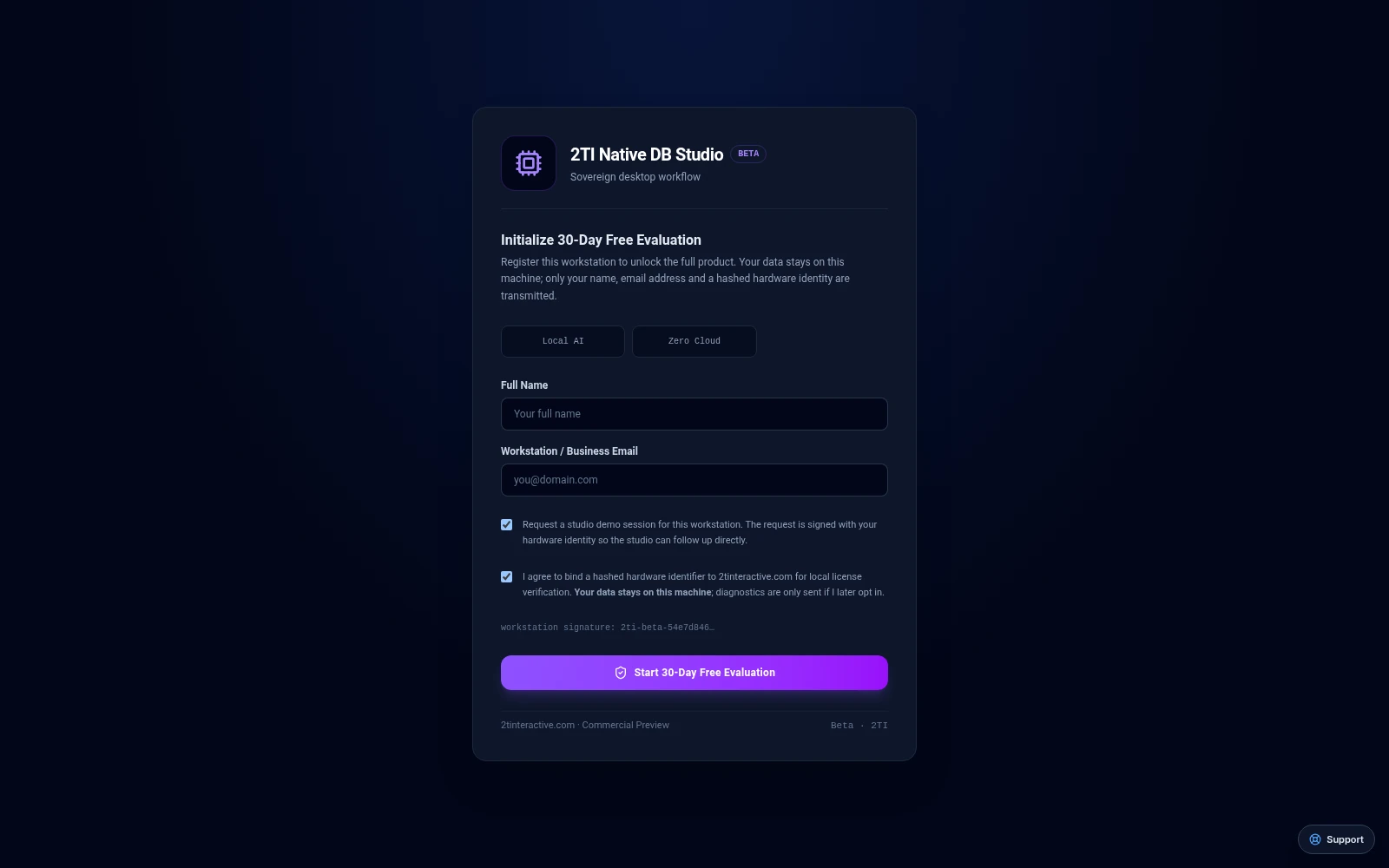
2TI Native DB Studio

Explore structure. Understand the query.

Workflow focus Database browsing and query analysis
What we’re exploring Making data easier to inspect and reason about
Running a practice Active R&D

2TI Local-First Operations Desk

Keep people, projects and next steps connected.

Workflow focus Client and project organization
What we’re exploring Reducing the gaps between a commitment and its next action
Working with APIs Spec & CLI

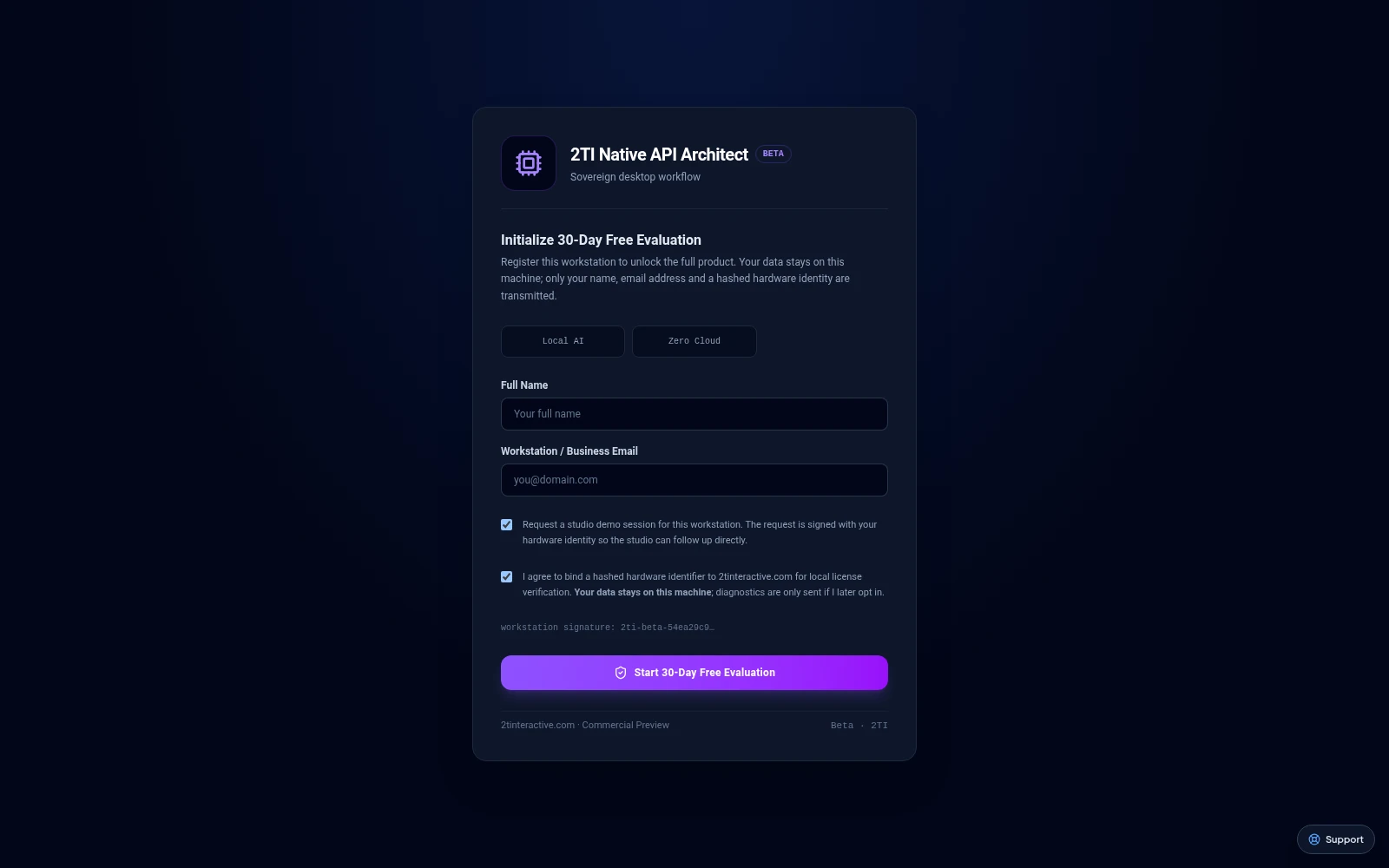
2TI Native API Architect

See the request. Understand the response.

Workflow focus API exploration and integration work
What we’re exploring Keeping requests, responses and debugging context together
Desktop actions In Development

2TI Agentic OS Bar

Bring the next action closer.

Workflow focus Finding tools and choosing actions
What we’re exploring Making desktop controls easier to reach and understand

04 / Documentation · Raw Markdown · llms.txt

Get to know the tools. Get more from your day.

Find product guides, workflow explanations and reference material to help you decide where an app fits and how to get started.

Browse All Product Guides ↗ Inspect /apps/llms.txt ↗
2TI CedarGames · Migration Product guide

400 rules · Arba’meyeh · أربعمية

Four players form two partnerships, with hearts as the permanent trump suit. Players bid for their own trick targets and must follow suit when able. Meeting or missing a bid changes the player’s score. Read the current in-app rules for supported options, gameplay and scoring details.

2TI CedarGames · Migration Product guide

FreeCell Solitaire rules

Move the cards to four foundations, ascending by suit. The four free cells each hold one card temporarily. Keep spare cells and empty columns available to rearrange descending, alternating-colour sequences. Read the current in-app rules for supported options, gameplay and scoring details.

2TI Agentic OS Bar · Migration Product guide

Getting started with 2TI Agentic OS Bar

Start with 2TI Agentic OS Bar by checking the release availability on its app page and trying a small, non-sensitive task. This guide explains the first checks to make, how to confirm that your work persists, and what information helps support investigate a problem without exposing private data.

2TI CedarGames · Migration Product guide

Getting started with 2TI CedarCards

Start with 2TI CedarCards by checking the release availability on its app page and trying a small, non-sensitive task. This guide explains the first checks to make, how to confirm that your work persists, and what information helps support investigate a problem without exposing private data.